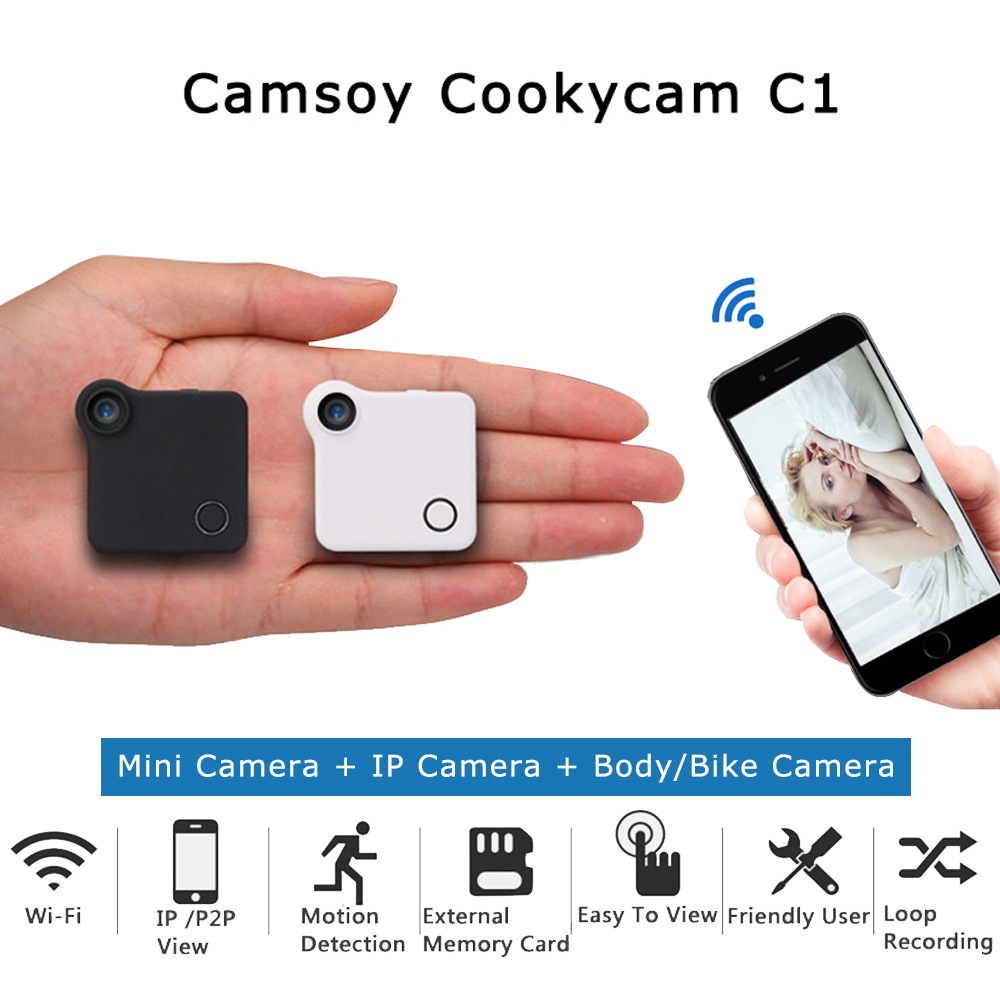
Wireless wifi mini-camera
Noir
Sale price
CHF 34.90
Regular price CHF 35.90
Skip to product information


Wireless wifi mini-camera
Sale price
CHF 34.90
Regular price CHF 35.90
Free shipping, no minimum purchase. Estimated delivery time: 12 to 24 days. Depending on the product, your order ships from a European warehouse or from Asia.
- Type:Mini
- Package:Yes
- High Definition Support:1080P (Full-HD)
- Sensor Technology:CMOS
- Model Number:C1 Wearable Body IP Camera
- Memory Card Type:MicroSD / TF
- Built-in Memory Size:N/A
Feature:
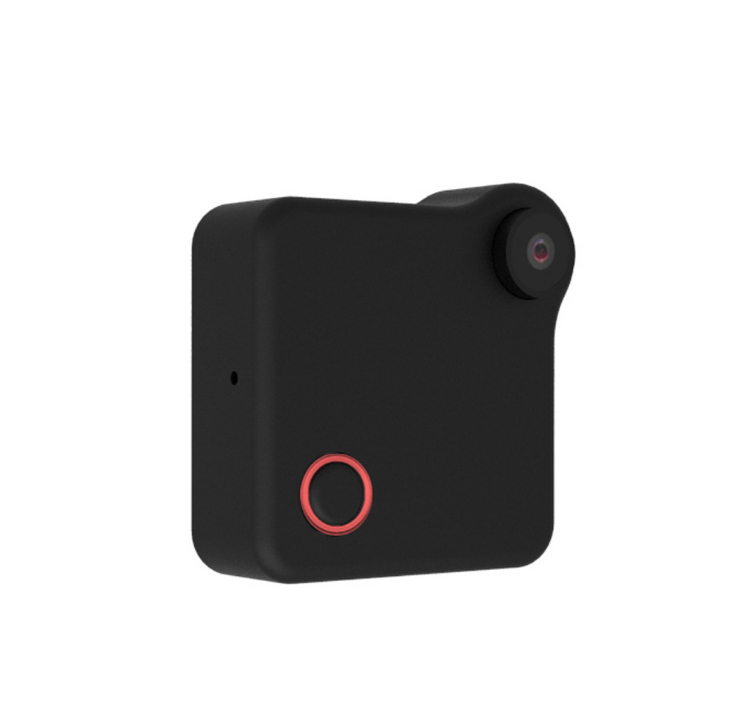
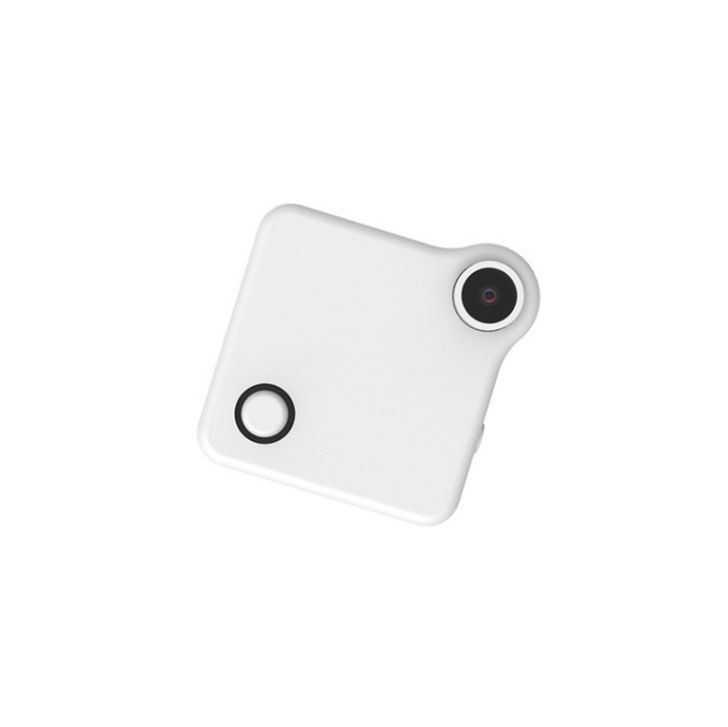
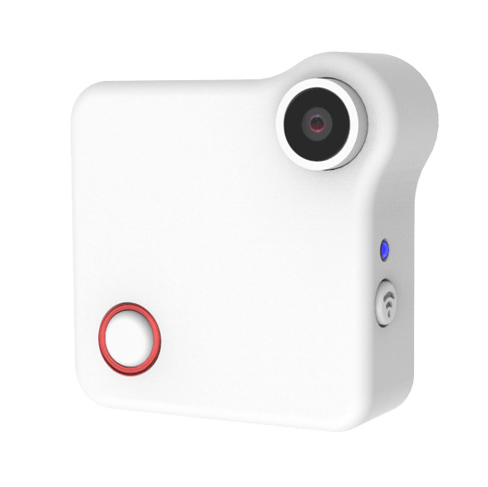
C1 CookyCam - Mini Camera + IP Camera + Body Camera + Action Camera all in 1
Wearable body design, with clip you can attach to bag, clothes
Magnetic mount & clip
Special mount for bicycle, car. Compatibility with Gopro accessories
IP & P2P Wi-Fi connection for remote control and live monitoring
Time Lapse every 15 seconds
Specifications:
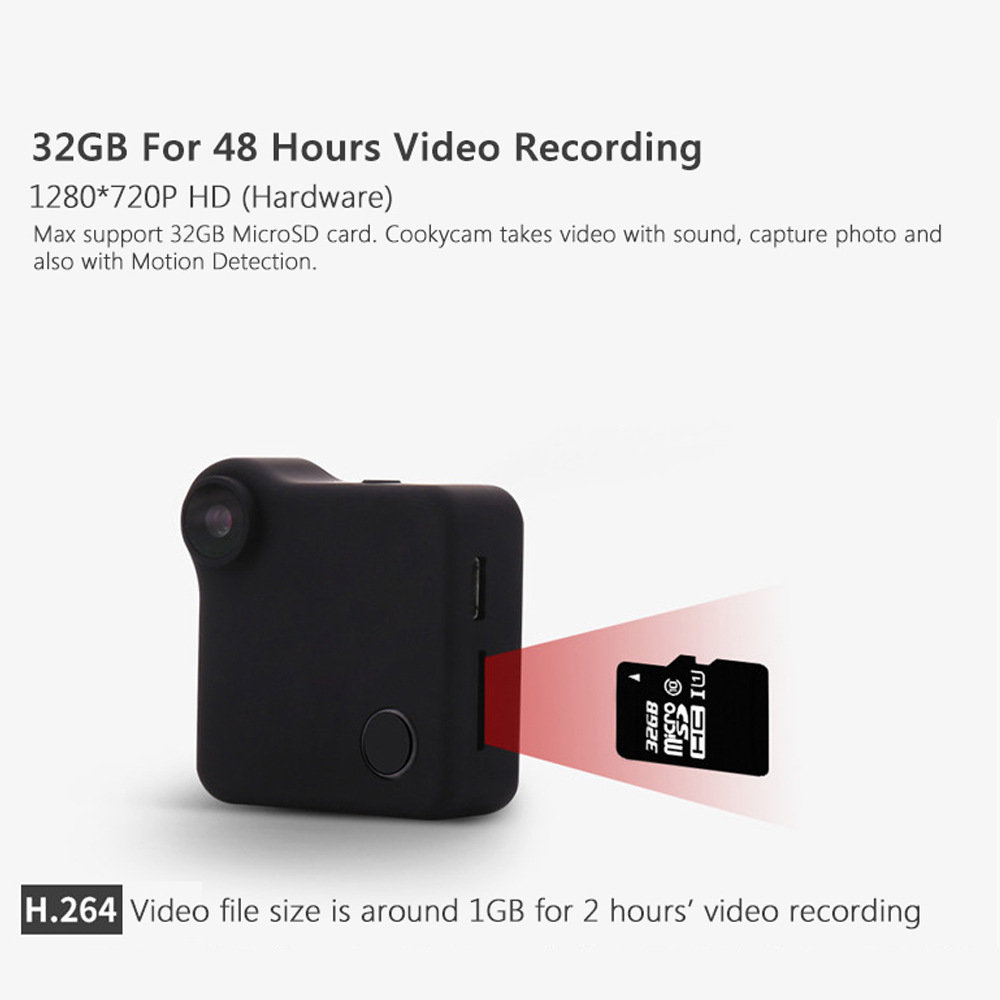
- Video Resolution: HD 1280x720P
- Photo Resolution: 1280x720 JPG
- File Format: .MP4 (H.264 coded)
- Sensor Type: CMOS
- View Angle: 90 degree First Person Optical View Angle
- IOS: 50 - 6400
- Mic: Built-in noise canceling microphone
- External Storage: Micro SD card, max. 32 GB
- System: Windows XP / Mac OS 10.2 or later
- Remote Control: P2P Connect / Remote Connect
- Dimensions: 40x40x15mm
- Weight: 32g
- Battery: Build in 600m Ah!
Basic Operation:
1. Video Mode - Red mode indicator stays on
Press the Confirm button once, the red mode indicator turns off, the camera starts recording video.
Press the Confirm button again to save the video file, the red mode indicator stays on, the camera is in video recording standby mode.
2. Photo Mode - Blue mode indicator stays on
Press the Confirm button once, the camera takes a photo every 15 seconds (the blue mode indicator flashes once).
3. Motion Detection - Red and blue mode indicators stay on
When the device detects object movement, the red and blue mode indicators turn off and start taking video.
AP (LAN) Connection
Scan the QR code to download the app.
Connect your smartphone's Wi-Fi to the camera.
1. Power on: Press the Confirm button for 3 seconds and wait for initialization to complete.
2. Connect Mobile: Open WLAN, choose CookyCam, enter password 12345678 (default)
3. Open APP: Click the local network and camera ID number, use the smartphone to control the camera. Through the APP, you can preview the image, control the camera, and download files.
In the camera settings, you can configure the camera to more modes.